
Configuration Examples · Consumer Electronics
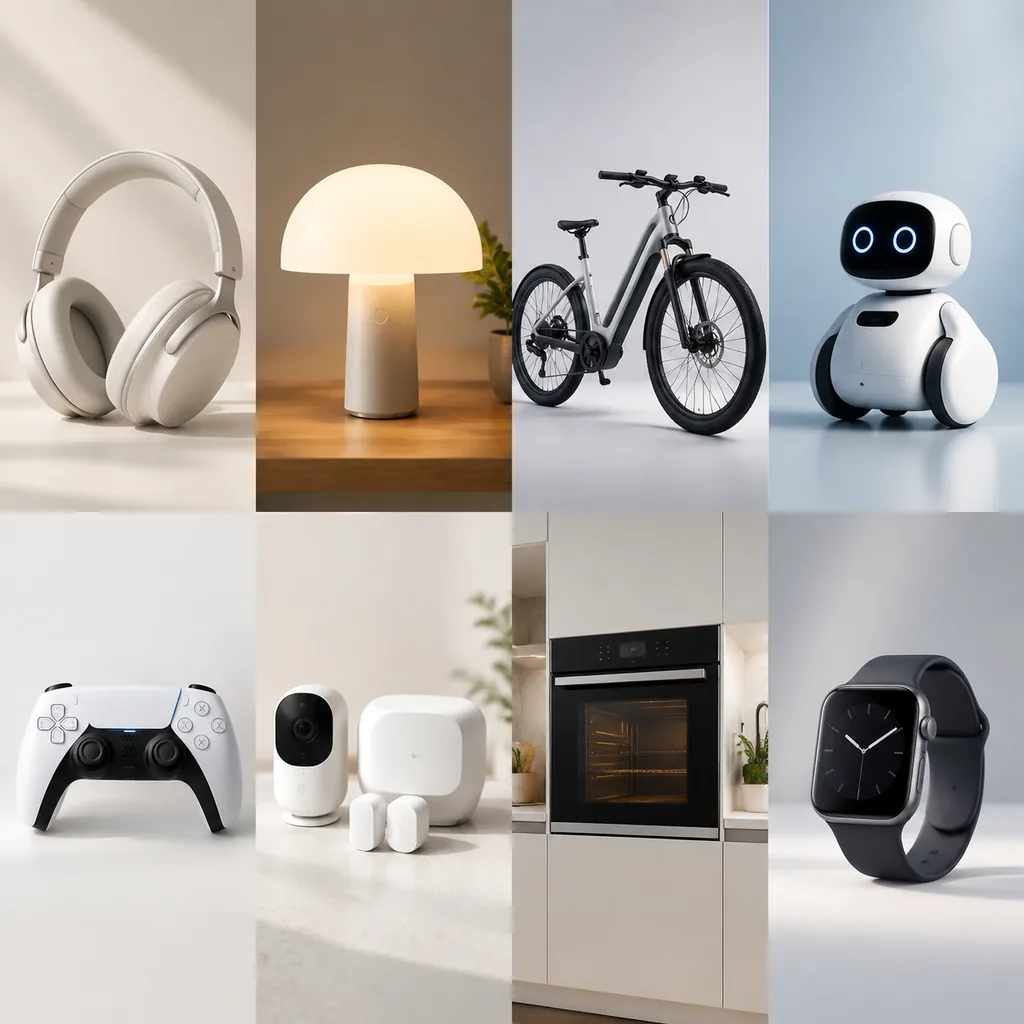
Desktop Companion Robot Appearance Studio
Select desktop robot shells, accessories and prepared expressions to explore personalization.
This page illustrates configuration needs and implementation approaches, not a delivered client project. Images are illustrative; visuals, rules and deliverables require project assessment.
Define Configuration Constraints
Check shell interfaces and supported animations; autonomous intelligence and behavior are not assumed.
Plan Outputs and Integration
Output appearance and accessory choices, with an animation catalog for product explanation.
Confirm Implementation Requirements
Provide models, licensed animations, component specifications and feature descriptions; distinguish demonstrations from actual functions.
Related approaches
Consumer Electronics
Flagship Audio Hardware 3D Finishes and Exploded Views
Compare audio enclosure colors, grilles and ports, using exploded views to explain components.
Consumer Electronics
Smart Lighting Beam and Home Scene Builder
Compare fixtures, beam patterns, color temperatures and mounting positions in an interior scene.
Consumer Electronics
Commuter E-Bike Frame, Range and Accessory Studio
Compare e-bike frames, colors, batteries and commuting accessories with component placement shown.
Assess your configuration needs
Start with models, options and constraints to define the visual experience and business workflow.